

Pick an amount. Tap. Donation done.
The fastest way for your community to give. No cash, no forms, no app. Four models to choose from: on a floor stand, a table or a wall, or handheld.
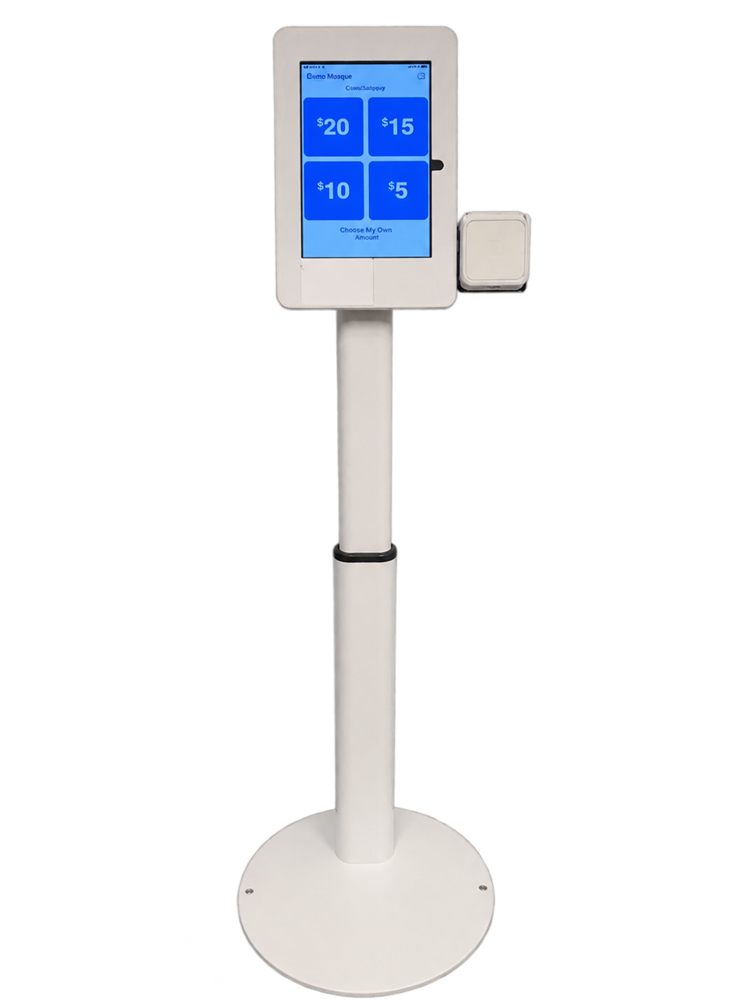
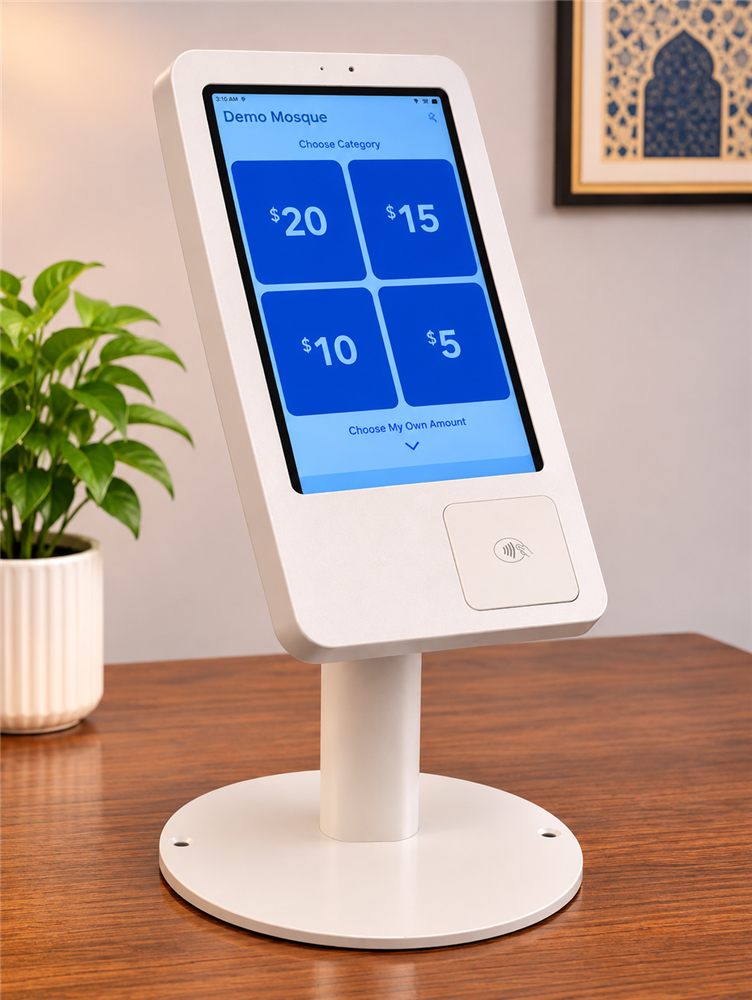
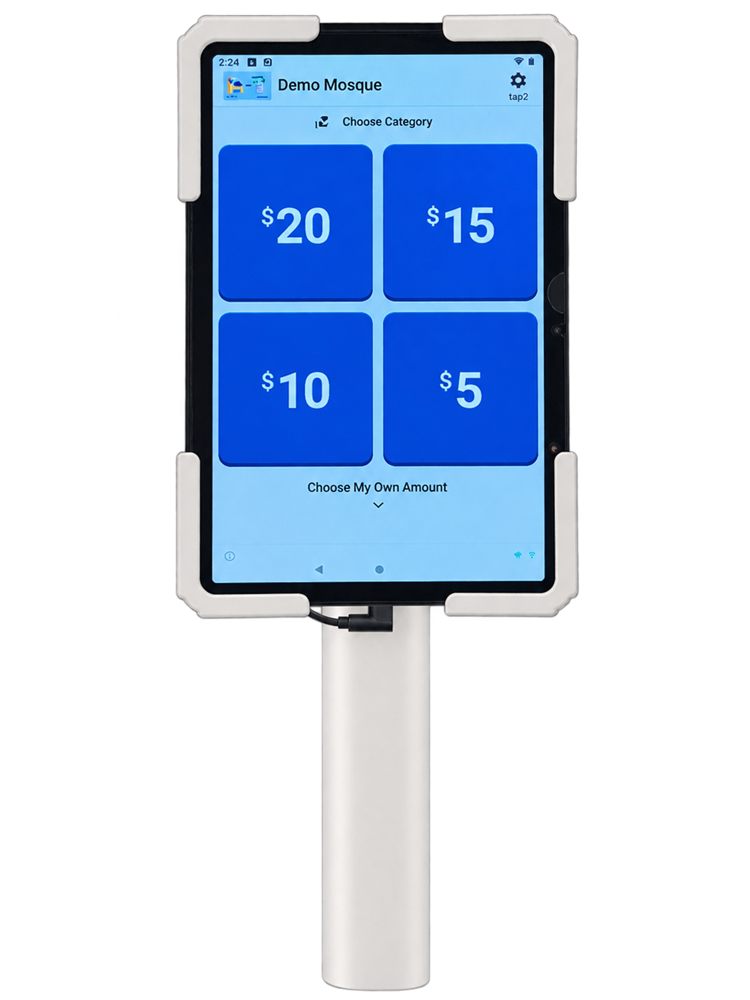
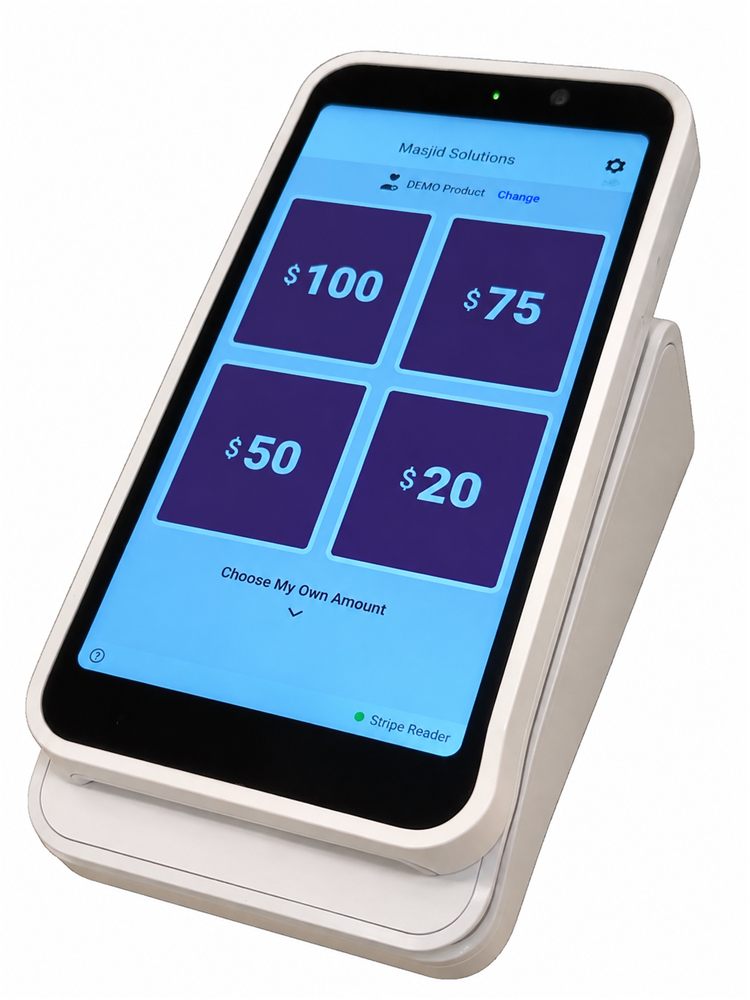
The list of what you get updates as you choose.
Already have a TapNQuickGive? See your upgrade options.
Tablet with a Stripe M2 reader. Tap and chip.
Need chip, tap and swipe on a wall-mounted kiosk? That is the Ultimate Kiosk.
| Feature | Essential | Plus | ONE | AjrTap |
|---|---|---|---|---|
| Best for | Tap and chip with a compact reader box | A new tablet with tap and chip | One clean device | Handheld giving on the move |
| Card reader | Stripe M2 reader | Stripe M2 reader | Built-in NFC | Built-in NFC |
| Tap, Apple Pay, Google Pay | Yes | Yes | Yes | Yes |
| Chip | Yes | Yes | No | No |
| Housing | Reader box and holder | Tablet enclosure | Kiosk enclosure | Handheld device |
| Mounting | Floor, table or wall | Floor, table or wall | Floor, table or wall | Handheld |
| Receipts | Electronic: SMS and email | Electronic: SMS and email | Electronic: SMS and email | Electronic: SMS and email |
| Donor covers fees (optional) | Yes | Yes | Yes | Yes |
| Portable for events | Yes | Yes | Yes | Yes |
Preset amounts of $5, $10, $20 and $30, or a custom amount. One tap finishes it.
Cards are processed by Stripe, a payment company, on your own account, and paid out to your bank.
Change amounts, check that the kiosk is online and see donations as they come in.
Still have a question? Request a demo and ask us directly.
You choose a kiosk, connect your Stripe account, set your donation amounts and place the kiosk where people can reach it. Donations are recorded in your portal.
A Stripe account, a reliable internet connection, a place for the kiosk and one person to look after its settings.
No. The donor screen is simple, and the portal has plain screens for settings, monitoring and troubleshooting.
Yes. Extra kiosks for other entrances, halls or events are managed from the same account.
Yes. Stripe is the payment company that processes the cards. The kiosk works with your organization's own Stripe account, and if you do not have one, you can set it up during onboarding.
Stripe processes each donation and pays out to the bank account on your Stripe account, on Stripe's payout schedule.
Stripe sets the timing. New Stripe accounts can have a longer first payout. Your Stripe dashboard shows pending and scheduled payouts.
No. They tap a card, phone or watch on the reader.
Essential and Plus use a tablet with a Stripe M2 reader next to it, which takes tap and chip. ONE has the reader built into the device and takes tap. AjrTap is a handheld device with built-in NFC and takes tap.
Not every tablet handles payments, kiosk lock-down and remote management reliably, so we ship tested devices. If you already own equipment, ask us before you order.
Possibly, after a compatibility check. The enclosure affects reader position, charging and security, so we recommend our tested combinations.
It needs a reliable internet connection to take donations. Wi-Fi is the usual choice.
Most things you can do yourself in the portal: restart a kiosk, check its status, change amounts and categories. Our team is there for anything you cannot resolve.
Yes, on supported setups, as long as the device is connected.
Check the kiosk's status in the portal, then restart the app or the device. If it continues, contact us with the kiosk details.
Yes. A tablet, reader or enclosure can be replaced without replacing the whole kiosk.
Upgrade to a newer model or replace your current device.